Paid, matched and signed off

A restaurant payment system where every payment belongs to a booking. Guests pay at the table or by link, your team records cash and card, and the manager closes the day from one checklist.

Pay at the table or online
Aurora Table · demo restaurant · October 2026
  1. 21:50

    Table 4 splits the bill. Two guests pay their part from the link, the third pays cash at the bar.

  2. 22:30

    A cash tip comes in after the bill is paid. The waiter records it as a tip on the same visit.

  3. 23:40

    The manager counts the cash, enters the tips per person and signs off the service.

01

Pay at the table or online

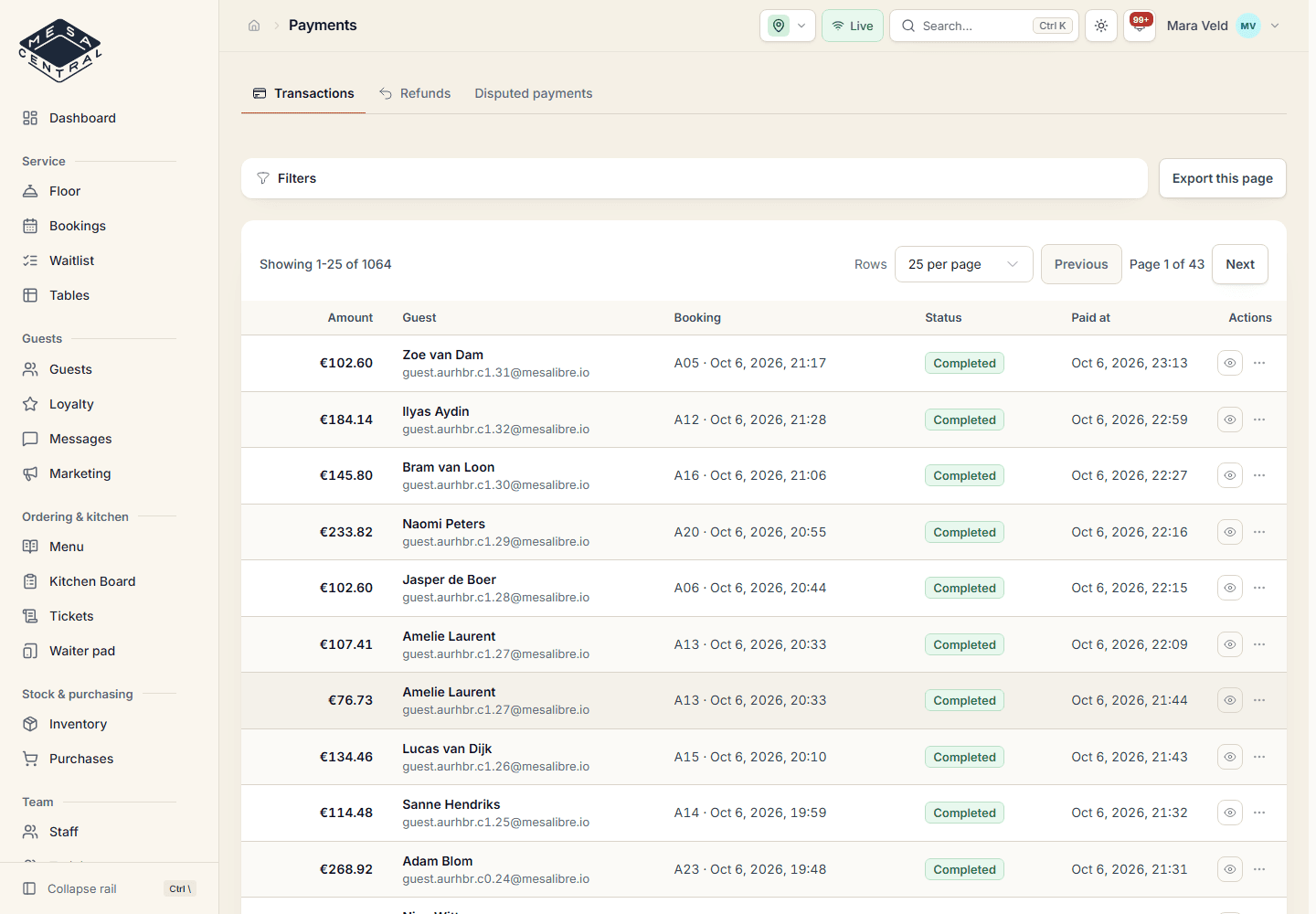
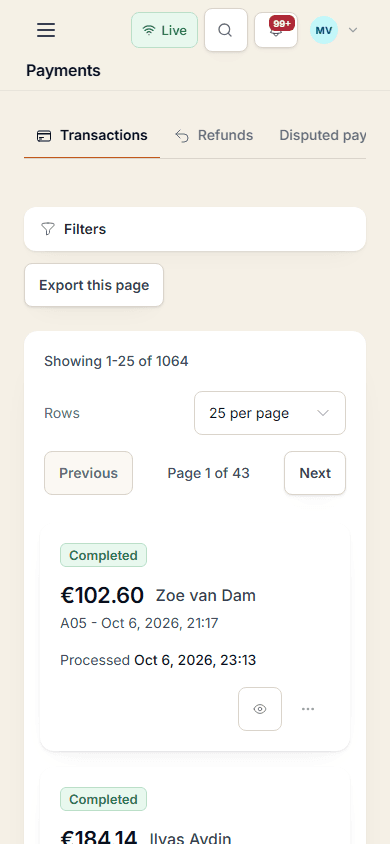
Guests pay from the QR order page or from a payment link sent by email or SMS. They can pay in parts, add a tip and ask for the bill as a PDF.

  • Stripe, plus Redsys in Spain
  • Partial payments with a live balance
  • Tips kept apart from the bill
  • PDF bill by email or SMS
Pay at the table or online
Aurora Table · demo restaurant · October 2026
02

One payment system for every method

Cash, the card terminal, a bank transfer or a voucher: staff record it on the booking with amount, tip and method. A shortcut that skips the guest payment needs a reason and is logged.

  • Cash tendered and change
  • Tip-only entries after the bill
  • Loyalty rewards taken off the amount due
03

Refunds, disputes and reconciliation

Refunds go back through Stripe or Redsys from the original payment. Disputed payments and differences between the provider and Mesa Central stay visible until someone deals with them.

  • Refund history per payment
  • Disputed payments in their own view
  • Provider payouts and fees reviewed
  • Cash refunds recorded and logged
Refunds, disputes and reconciliation
Aurora Table · demo restaurant · October 2026
04

Close the service with a sign-off

At the end of the night the checklist shows open tables, unpaid balances, open orders and unresolved complaints. The manager enters cash counted, waste, tips per person and hours worked, then signs off.

  • Revenue per payment method
  • Tips shared out per staff member
  • Sign-off with open items needs a reason
  • Reopen with a reason, history kept

Everything included

What is on this part of the menu

Included in the plan, together with every other module.

  • Stripe card payments and payment links
  • Redsys for card payments in Spain
  • Pay from the QR order page
  • Partial payments and split bills
  • Optional tips on digital payments
  • Cash, card terminal, transfer and voucher entries
  • PDF bill by email or SMS
  • Refunds and disputed payments
  • Provider payout and fee review
  • Service close-out with manager sign-off
  • Cash count, tips, waste and hours per service
  • Payment export as CSV

Questions

Payments & close-out

Which providers does the restaurant payment system support?

Stripe for card payments and payment links, and Redsys for card payments in Spain. Cash, card terminal, bank transfer and voucher payments are recorded by your team.

Can guests split the bill?

Yes. The payment link and the QR order page let guests pay in parts, and the balance updates after each payment. Staff can record any part of the bill as cash or card.

How do tips work?

Guests can add a tip when they pay digitally, and staff can record cash tips, also after the bill is paid. Tips never reduce the bill or earn loyalty points, and the manager records how they were shared at close-out.

Does close-out replace our accounting?

No. Close-out checks that the service ended cleanly and keeps the figures for the day. Your books stay with your accountant, and Mesa Central can export to QuickBooks when that connection is switched on.

Close tonight's service without a spreadsheet

Join the waiting list. Selected restaurants try new features, share feedback and take part in the evolution of Mesa Central.

Is your restaurant currently operating?

No obligation. Your details are only used to review your request.