One team, every location

Restaurant staff scheduling, training and permissions in the same system as service. Each person sees the locations and modules they need, and you compare every restaurant in one report.

Rotas built around bookings
Aurora Table · demo restaurant · October 2026
  1. 11:00

    The manager plans next week's rota. Busy booking days with too few people on shift stand out before it is published.

  2. 16:30

    Before the shift the team reads the handover: an unpaid table from lunch, a delivery to check, a guest with a note.

  3. 19:00

    The server running the terrace goes on break and hands the section over. The colleague taking over accepts it on their phone.

01

Rotas built around bookings

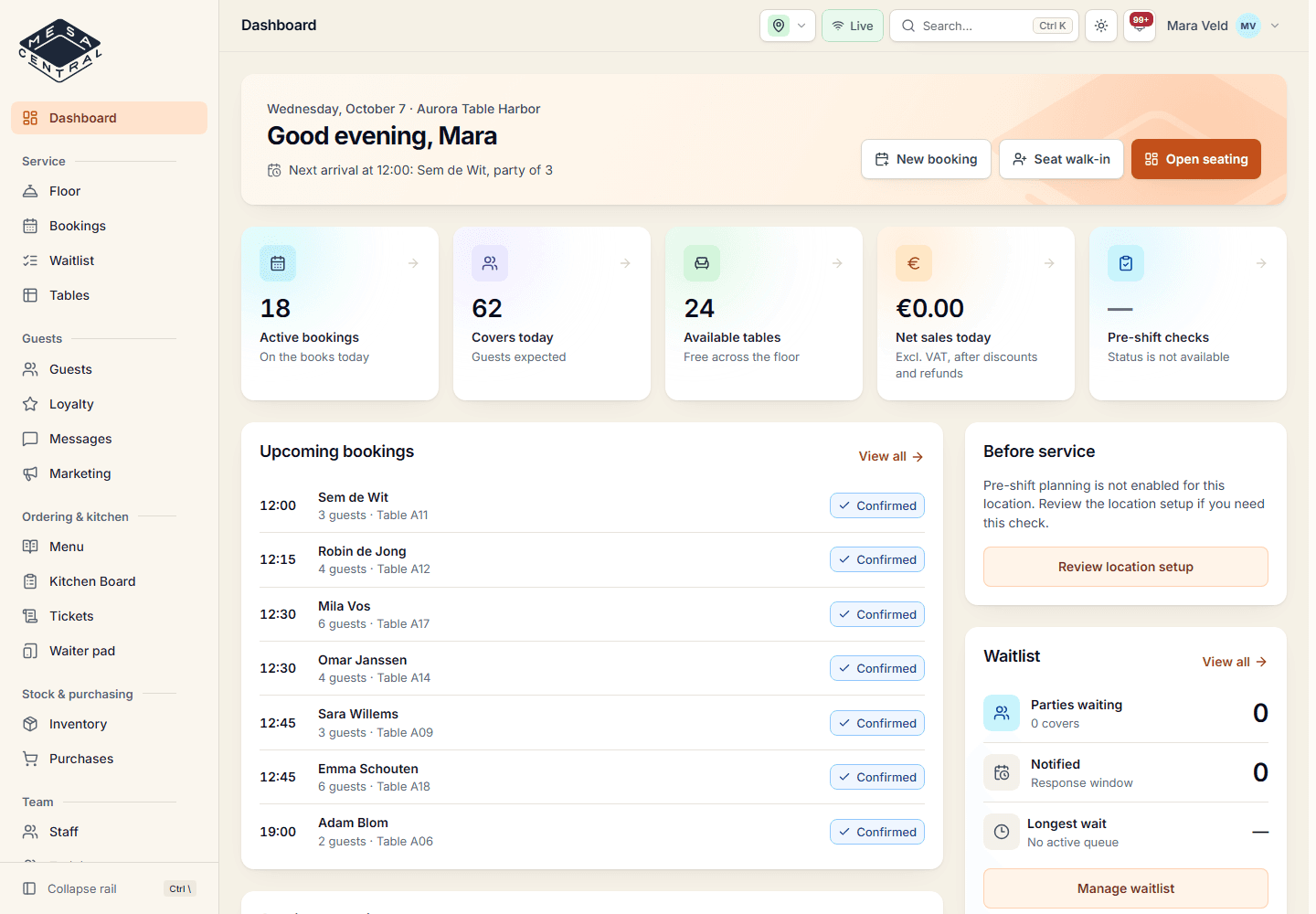
Plan schedules per location and see them next to the bookings for those days. Gaps on busy days and full rotas on quiet days stand out before you publish.

  • Contract hours per person
  • Hourly rates feed staff costs into the P&L
  • Tasks with an owner and a due time
  • Certificates such as HACCP with expiry dates

02

Training and SOPs that get finished

Write training tracks with modules and lessons, assign them to the team and see who has completed what. Managers acknowledge each completion, so you know who is ready for which job.

  • Tracks, modules and lessons
  • Assignments with completion status
  • Manager acknowledgement
  • Attachments for your SOPs
Training and SOPs that get finished
Aurora Table · demo restaurant · October 2026
03

Sections and handovers during service

Give each floor section one owner per service. Breaks and handovers are explicit, so the host and the kitchen always know who is responsible for which tables.

  • One live owner per section
  • Handover accepted by the colleague taking over
  • Shift handover with open items
  • Manager override with a reason
04

Multi-location reporting for owners

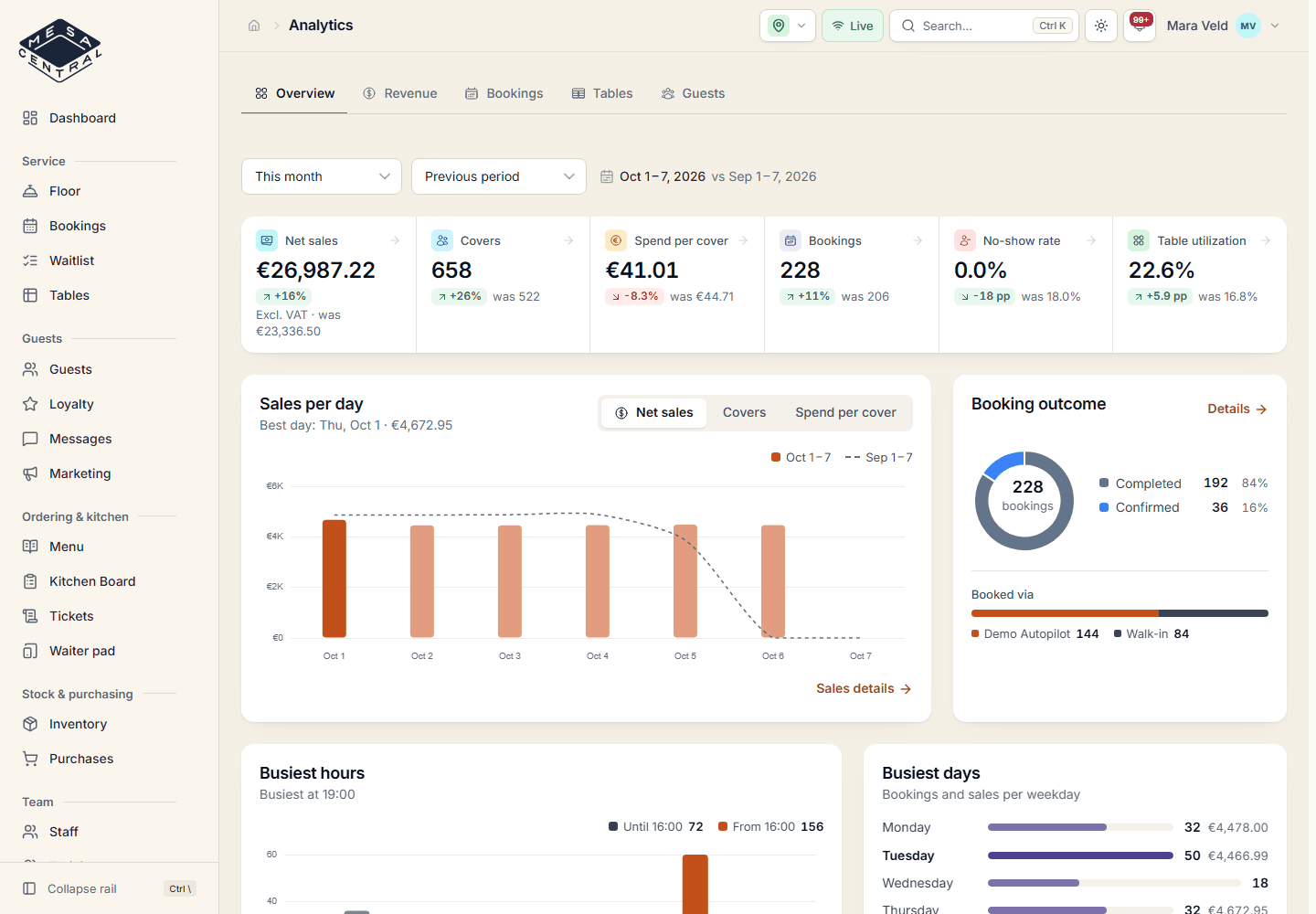
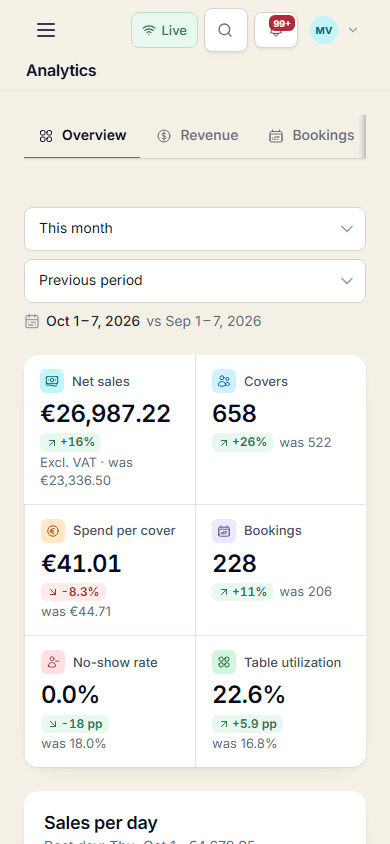
Owners see every location; managers and staff see the ones they are assigned to. Compare locations in one consolidated report and send reports by email on a schedule.

  • Permissions per module and location
  • Roles for staff, manager, finance and owner
  • Consolidated report across locations
  • Owner weekly briefing, an Insight in the plan
Multi-location reporting for owners
Aurora Table · demo restaurant · October 2026

Everything included

What is on this part of the menu

Included in the plan, together with every other module.

  • Staff schedules per location
  • Coverage check against bookings
  • Staff tasks with owners and due times
  • Training tracks, lessons and assignments
  • Completion and manager acknowledgement
  • Live section owners and handovers
  • Shift handover with open items
  • Roles: staff, manager, finance and owner
  • Permissions per module and location
  • Multiple locations with per-user access
  • Consolidated reports across locations
  • Scheduled reports by email

Questions

Team & locations

Does Mesa Central include restaurant staff scheduling?

Yes. Managers plan and publish schedules per location, and Mesa Central shows them next to the bookings so understaffed busy days stand out. Planned hours multiplied by each person's hourly rate also feed the staff cost in the management P&L.

Can we limit what each person sees?

Yes. Every user has a role and access to specific modules and locations. Owners always see every location; managers and staff only see the locations they are assigned to.

How does Mesa Central work for multi-location groups?

You add each location to one account and give people access to the right ones. Owners compare locations in a consolidated report and can schedule reports by email.

Is the rota a payroll or time-tracking system?

No. Schedules are for planning the team and estimating staff cost. Payroll and legal time records stay with your payroll provider.

Give every location the same clear picture

Join the waiting list. Selected restaurants try new features, share feedback and take part in the evolution of Mesa Central.

Is your restaurant currently operating?

No obligation. Your details are only used to review your request.